Core Features
Smart Onboarding
Arif AI provides an intelligent, chat-based onboarding system that guides you through setting up your company and ERP modules step by step. Instead of navigating complex setup wizards, you simply have a conversation.
How It Works
Type something like "setup my company" or "help me get started" and Arif AI will launch the Onboarding Orchestrator tool to walk you through the process.
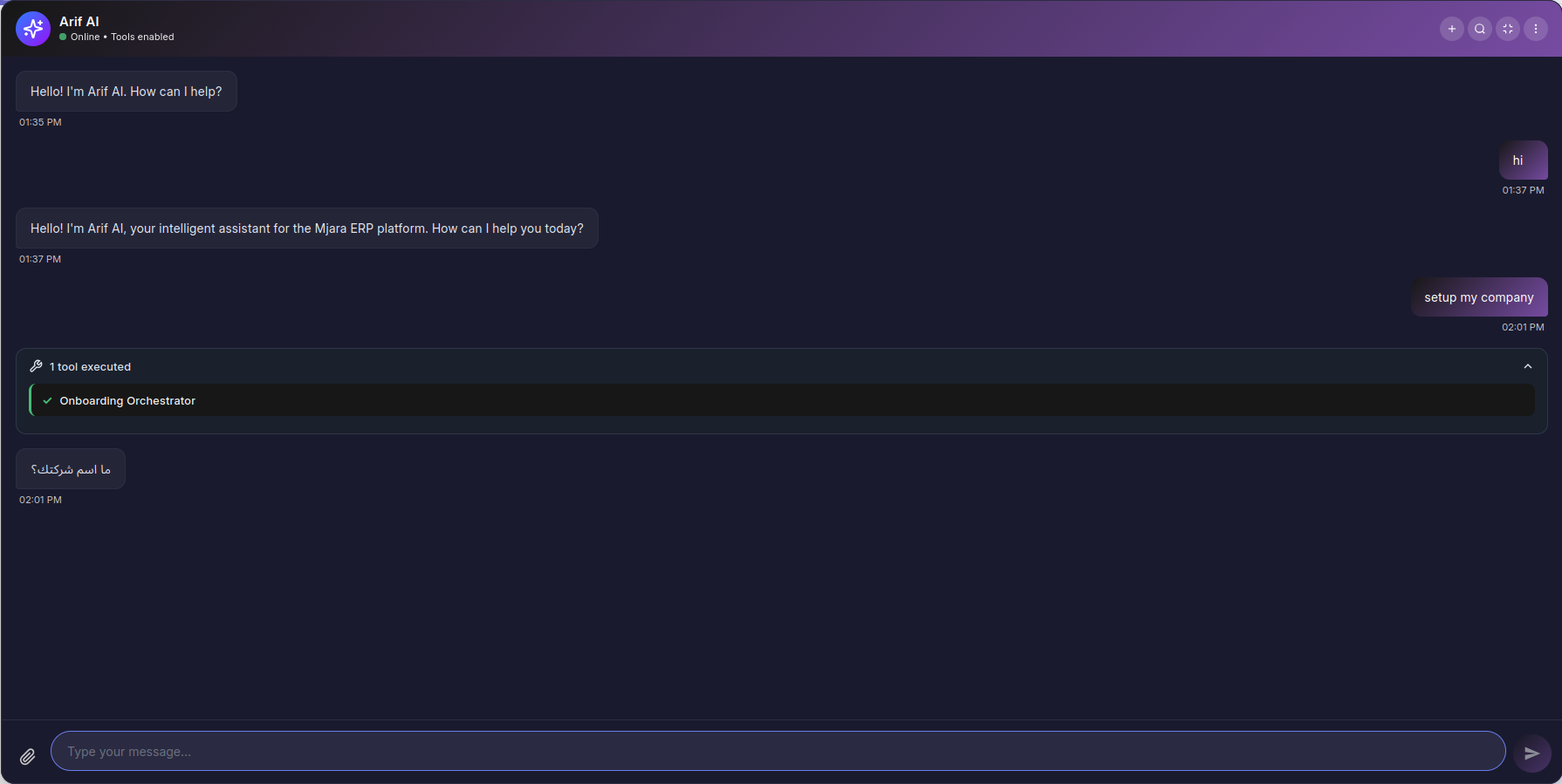
The onboarding process is a guided Q&A conversation:
- Arif AI asks you a question (e.g., "What is your company name?")
- You provide your answer in natural language
- The AI validates your input and moves to the next question
- Once all answers are collected, a configuration preview is generated
- You confirm, and Arif AI executes the setup automatically
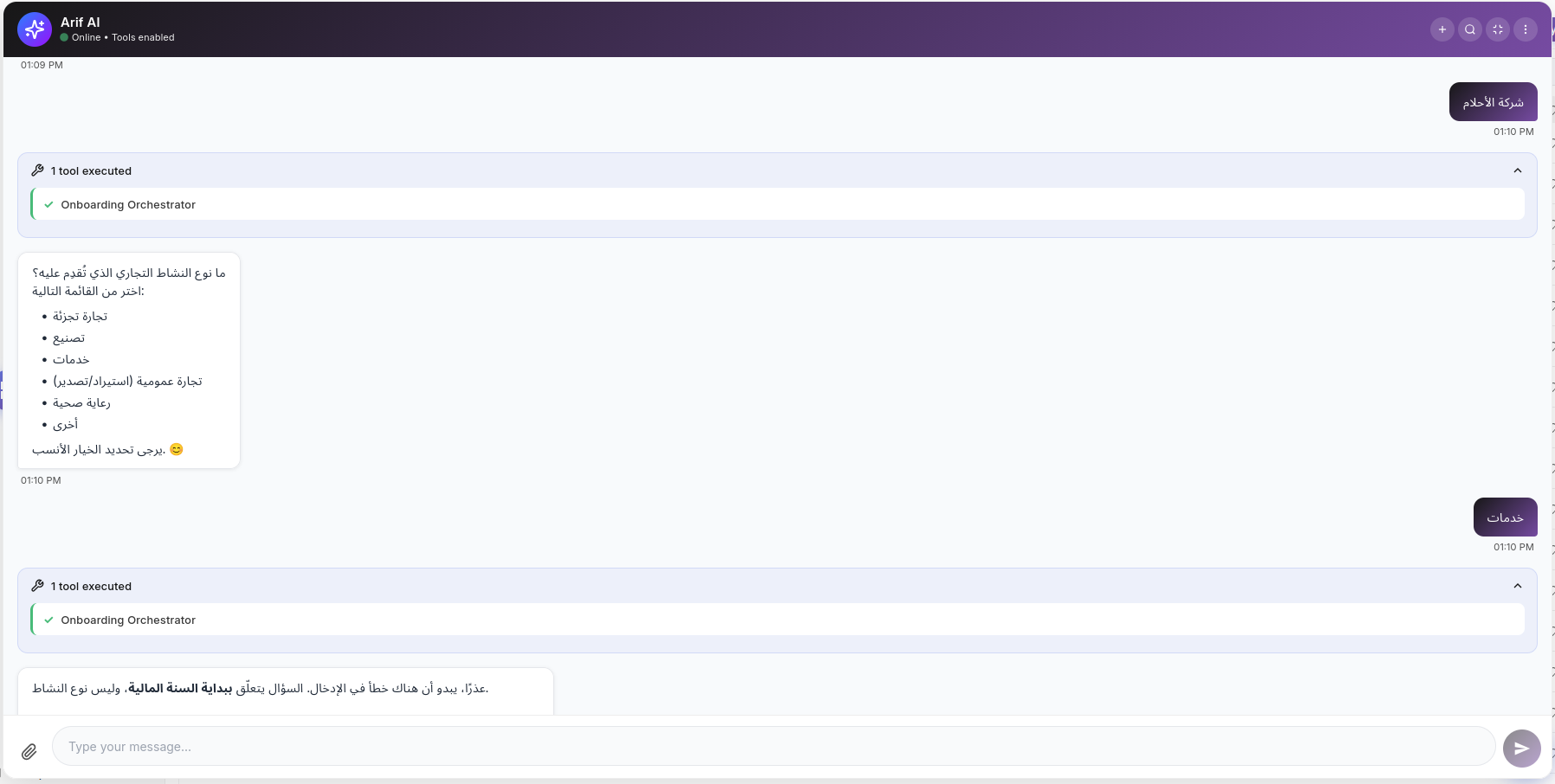
Onboarding Flow
What Gets Configured
When the onboarding completes, Arif AI automatically:
- Creates your Company — With name, abbreviation, country, and currency
- Imports Chart of Accounts — Country-specific standard COA
- Sets up Tax Templates — VAT/GST rates based on your country
- Configures Modules — Stock, Accounts, HR, Manufacturing, etc.
- Creates Master Data — Warehouses, cost centers, fiscal year
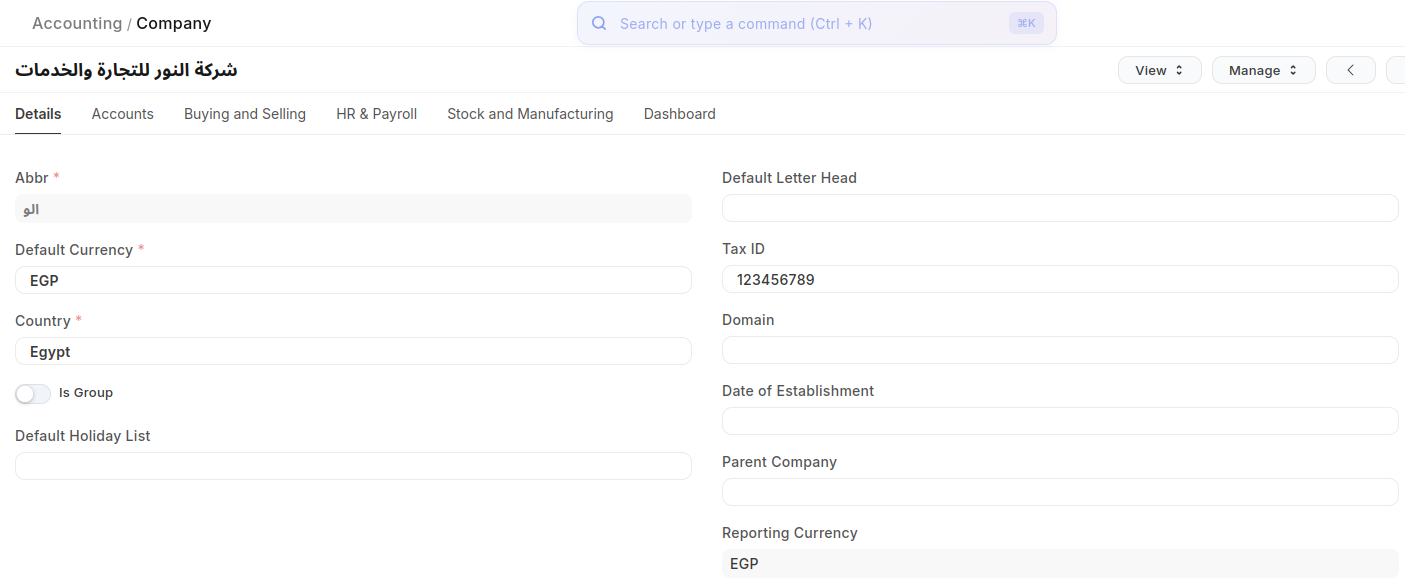
Supported Modules
The onboarding wizard supports 7 ERP modules with context-aware questions tailored to each:
| Module | Setup Includes |
|---|---|
| Accounts | Chart of accounts, fiscal year, tax templates |
| Stock | Warehouses, stock settings, UOM |
| HR | Employee setup, leave types, payroll |
| Manufacturing | Workstations, BOM settings |
| CRM | Lead sources, sales stages |
| Buying | Supplier types, purchase settings |
| Selling | Customer groups, pricing rules |
Question Types
The AI uses different question types depending on the information needed:
- Text — Free-form input (e.g., company name)
- Select — Choose one option from a list (e.g., business type)
- Multiselect — Choose multiple options (e.g., modules to enable)
- Number — Numeric input (e.g., tax rate)
- Date — Date selection (e.g., fiscal year start)
- Boolean — Yes/No questions
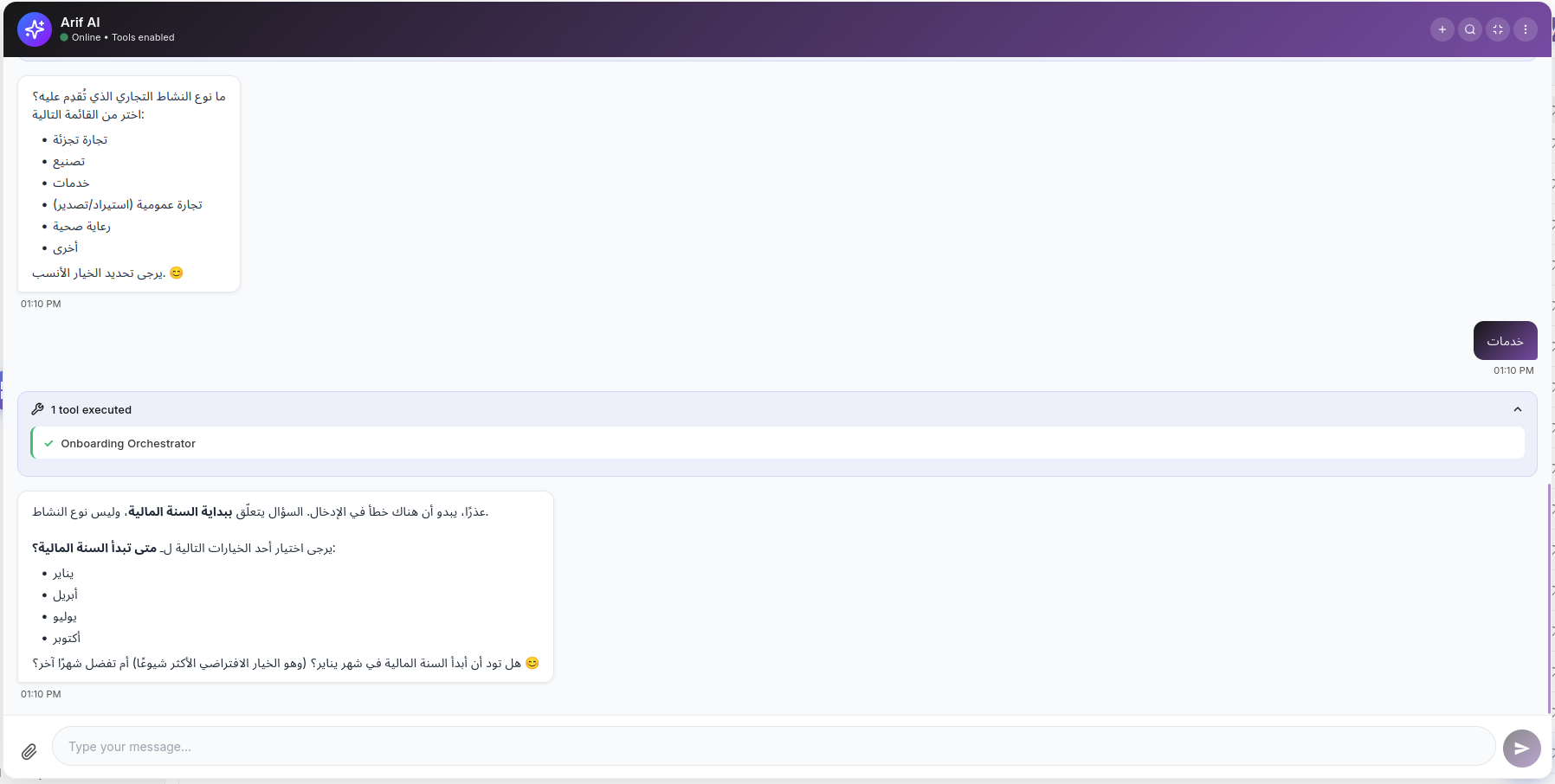
Safety Features
- Configuration Preview — Review all settings before execution
- Full Rollback — Every operation is tracked and can be undone
- Session Persistence — Resume an incomplete onboarding later
- 7-Day Expiry — Inactive sessions expire after 7 days
Session States
| State | Description |
|---|---|
| Collecting | Answering setup questions |
| Reviewing | Previewing the generated configuration |
| Creating | Executing the setup operations |
| Complete | Setup finished successfully |
| Aborted | Session cancelled by user |
| Expired | Session timed out after 7 days of inactivity |