Shift Schedule
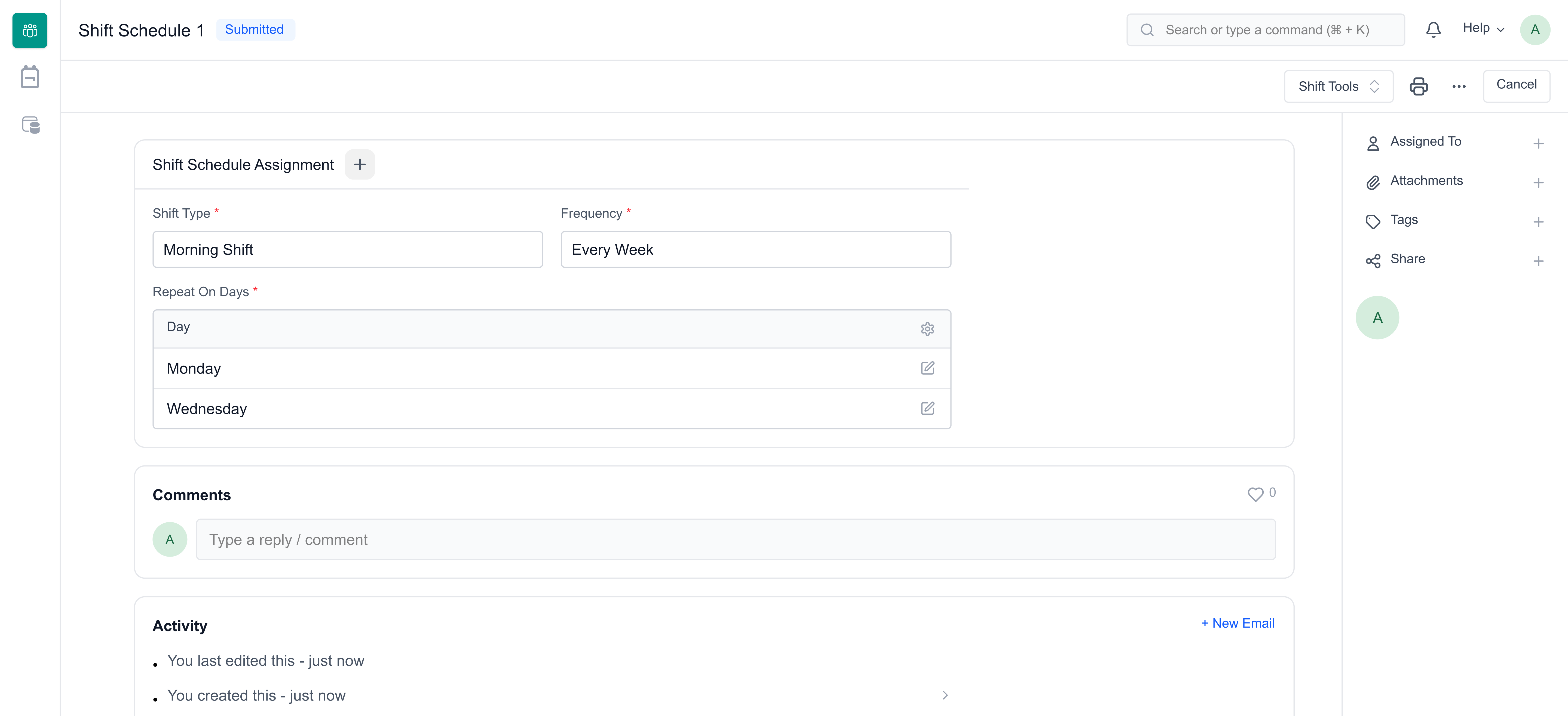
Shift Schedule can be used to create definitions for recurring shift assignments based on selected days and frequency.
1. Prerequisites
To create a Shift Schedule, this needs to be created first:
- Shift Type
2. How to create a Shift Schedule
To directly create a Shift Schedule, go to:
Mjara HR > HR > Shift & Attendance > Shift Schedule
- Click on Add Shift Schedule.
- Enter the Name.
- Select the Shift Type.
- Select the Frequency.
- Select the Repeat On Days.
- Click on Save, and then Submit.
3. Assigning Shift Schedule
To assign a shift schedule to an employee, and to create shift assignments based on it, use Shift Schedule Assignment. You can also assign shift schedules in bulk using the Shift Assignment Tool.
4. Related Topics
- Shift Type
- Shift Assignment
- Roster Last updated 3 weeks agoWas this helpful?
Submit
Thanks!