Branch
A Branch office is an outlet of a company located at a different location, other than the main office.
Mjara HR allows you to create and keep a record of the different branches of your organization.
To access Branch, go to:
Home > Human Resources > Employee > Branch
1. Prerequisites
Before creating a Branch, it is mandatory you create the following documents:
- Company [External Resource]
2. How to create a Branch
- Go to the Branch list, click on New.
- Enter the name of the Branch.
- Save.
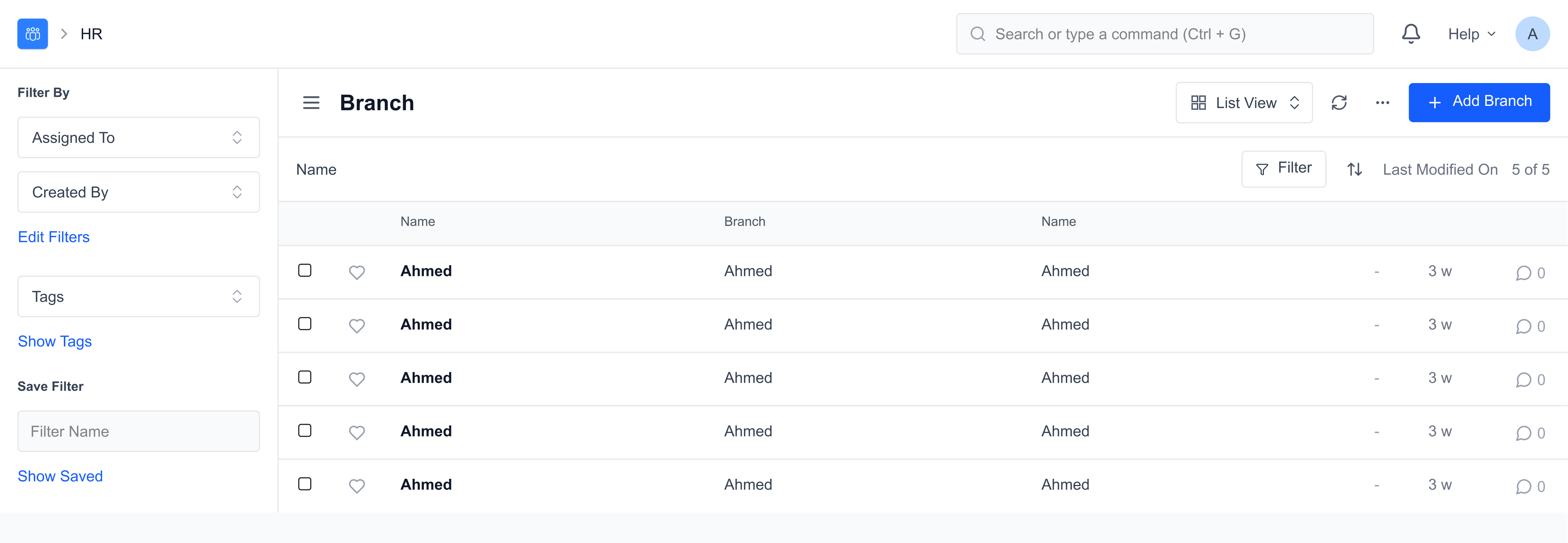
You can link the Branch to the Employee master.
3. Related Topics
- Employee
- Employment Type
- Department
- Designation
- Employee Grade
- Employee Group Last updated 3 weeks agoWas this helpful?
Submit
Thanks!