Employment Type
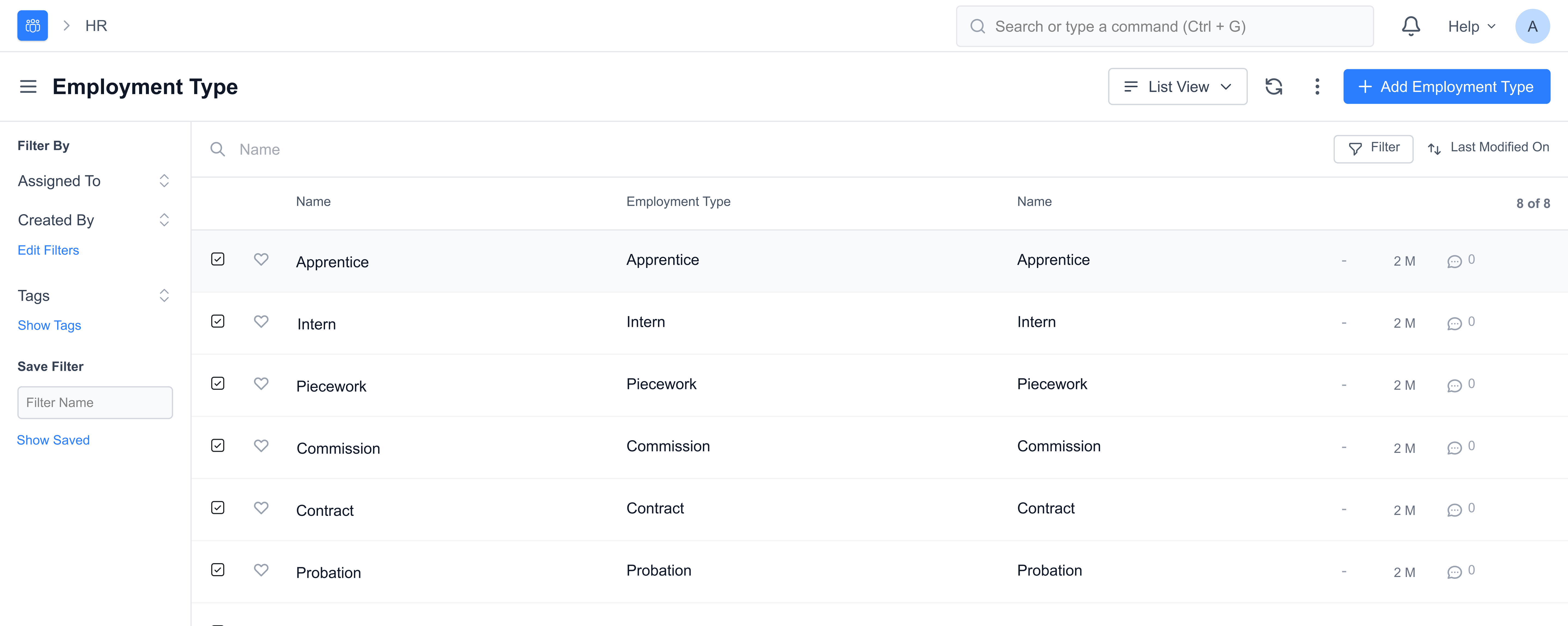
You can employ people under a number of categories each having their own wage and leave entitlements. This is called an Employment Type.
Mjara HR allows you to select an Employment Type from a pre-defined list or even create a new Employment Type based on your requirements.
To access the Employment Type, go to:
Home > Human Resources > Employee > Employment Type
1. How to create an Employment Type
- Go to the Employment Type list, click on New.
- Enter the Name of the Employment Type.
- Save.
The Employment Type can be linked to the Employee master.
2. Related Topics
- Employee
- Employment Type
- Branch
- Department
- Designation
- Employee Grade Last updated 3 weeks agoWas this helpful?
Submit
Thanks!