Profile
You can update your name, profile image, and password from the Profile Settings page.
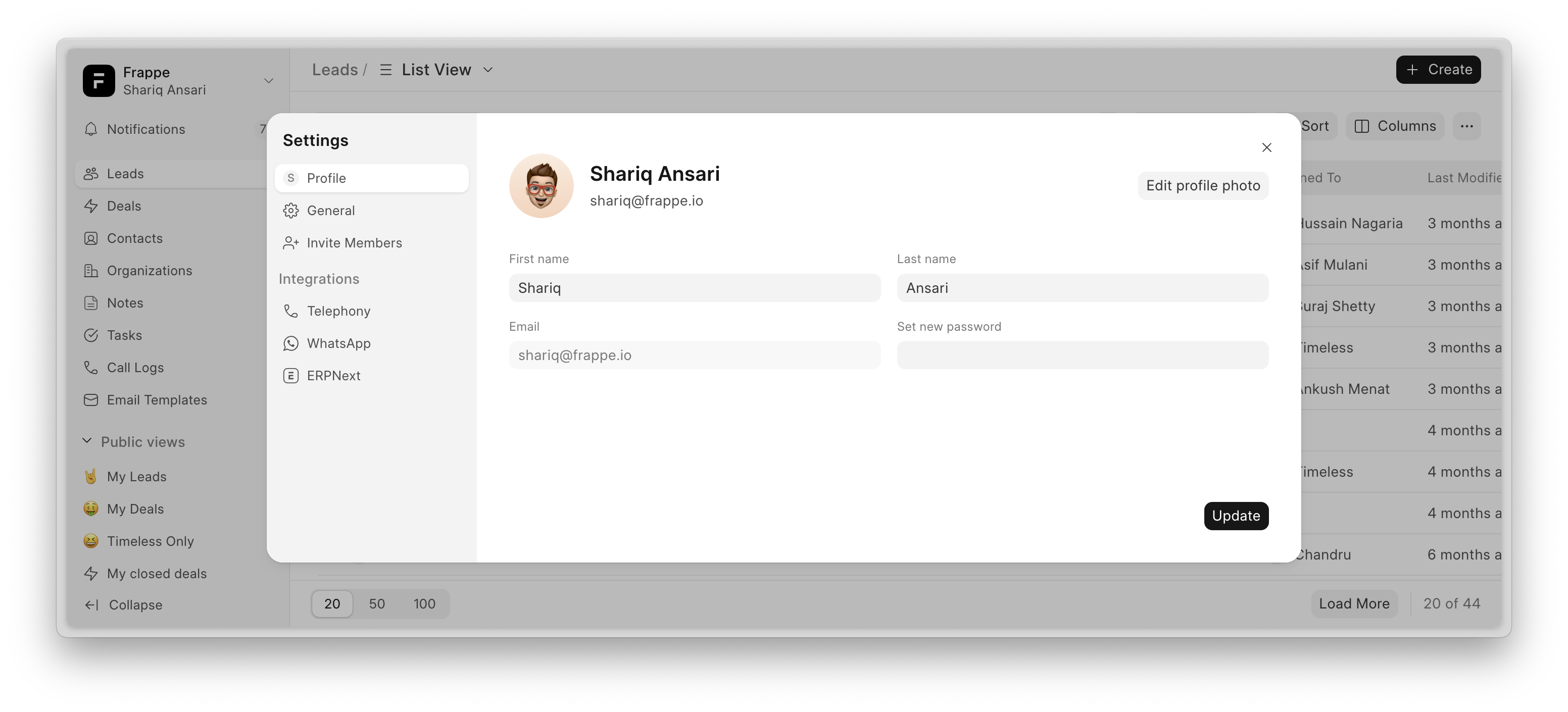
How to Update Your Profile
- Navigate to Settings → Profile.
- Update your First or Last name if needed.
- Click on Edit profile photo to update the avatar image.
- Add new password to change your password.
- Click Update to apply the changes.
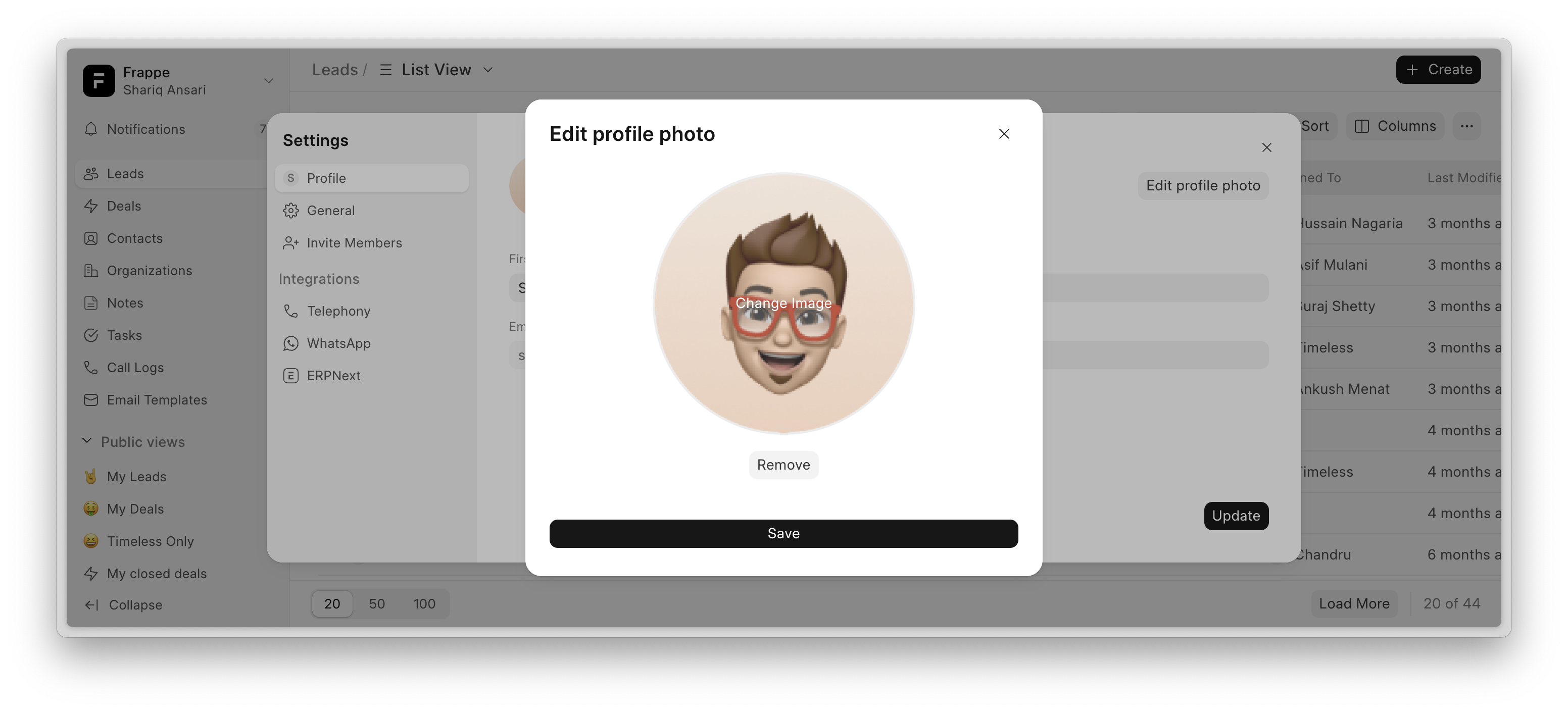
Ensure your profile details are up to date for a personalized experience.
Last updated 3 weeks agoWas this helpful?
Submit
Thanks!