User GuideManualEnglish DocumentationSettings
Show or Hide Modules
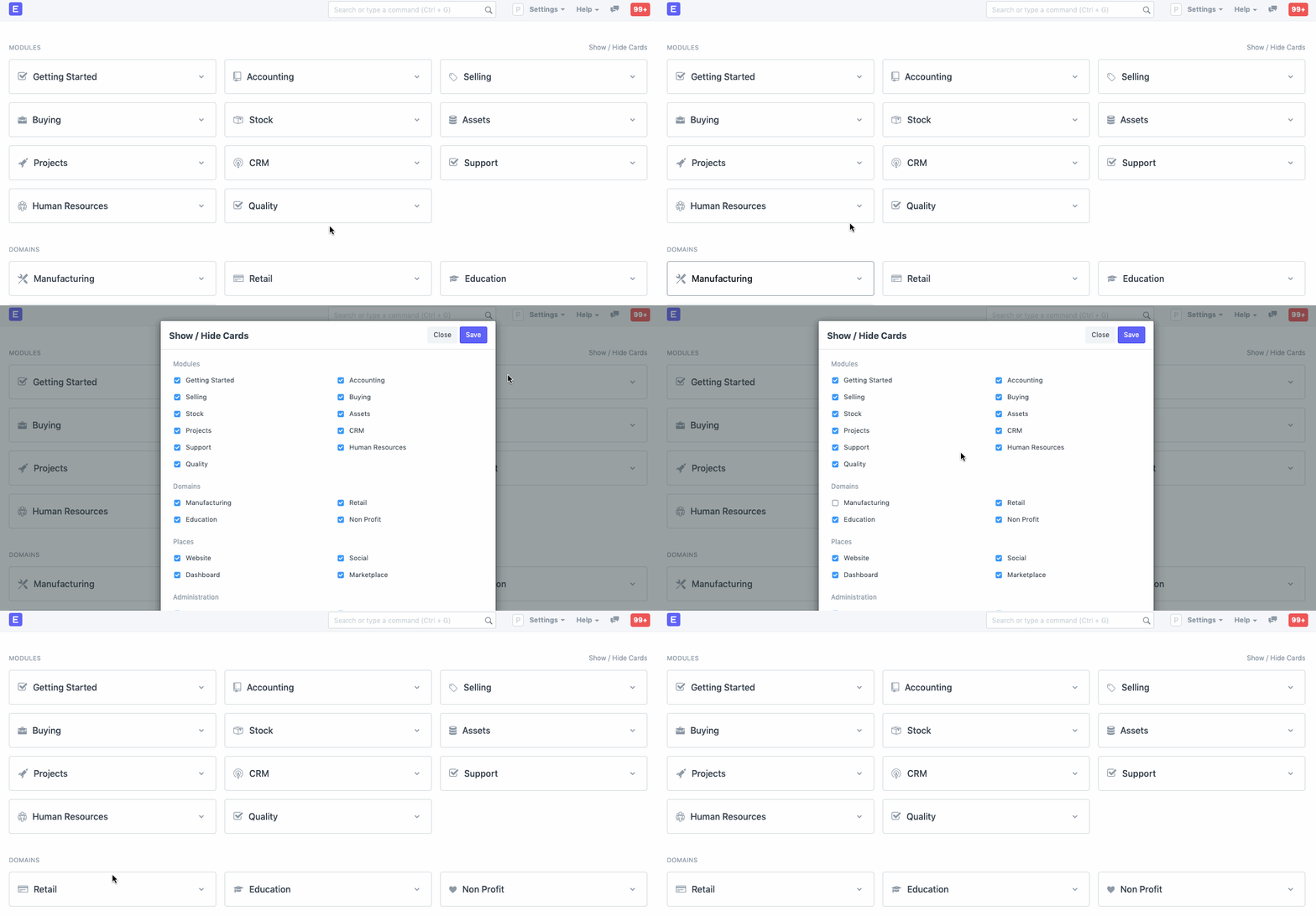
You can globally Hide or Unhide certain modules by clicking on Show/Hide Cards in your Mjara ERP Home Page.
For example, if you are in the services business, you want to hide the Manufacturing Module, you can do this using this tool.
Check/uncheck the items to show or hide modules.
In versions older than v12, click on your username, select 'Everyone' and check/uncheck the modules
Related Topics
- System Settings
- Adding Users
- Role and Role Profile
- Role Based Permissions
- User Permissions Last updated 3 weeks agoWas this helpful?
Submit
Thanks!