User GuideManualEnglish DocumentationSettings
Disable Any User
If you want to prohibit an Mjara ERP user from using the system then you can follow the below steps. This will be useful when your employees resign or in case you want to ban certain users from accessing the system.
How to disable a user?
- Type ‘User List’ in the awesome bar
- Select the user you want to disable
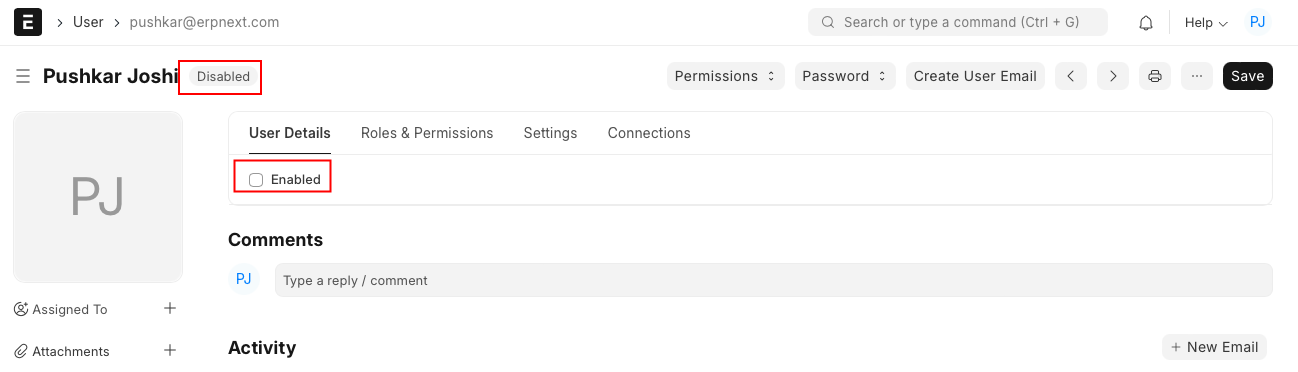
- Uncheck the ‘Enabled’ checkbox for the selected user
- Save your changes
Once the changes are saved, the user will be marked as 'Disabled' in the list which can always be re-enabled as per the need. After re-enabling a user, all the configurations associated with it will be retrieved as is.
Last updated 3 weeks agoWas this helpful?
Submit
Thanks!