User GuideManualEnglish DocumentationWebsite
2 Step 301 Redirect in your Mjara ERP Website
What is 301 Redirect?
A 301 Redirect is used to make sure that search engines and users are sent to the correct page. A 301 status code is used when any page has been permanently moved to another location. Users will now see the new URL as it has replaced the old page.
2 Step 301 Redirects with Mjara ERP:
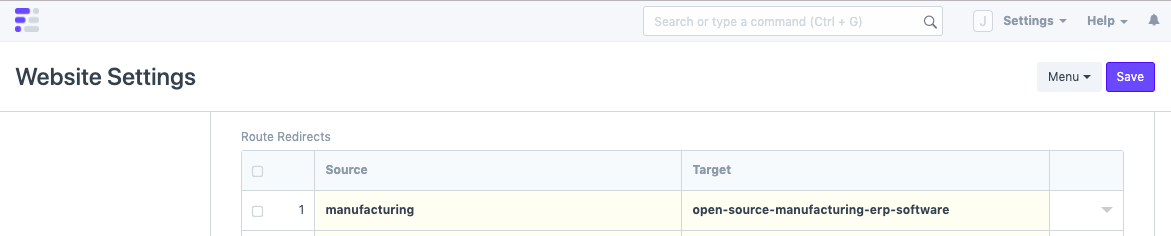
Step 1: Open Website Settings via the awesome bar (Global Search Bar) and expand the heading, "Redirects"
 Step 2: Enter the old URL in Source and the new URL in Target and save the document.
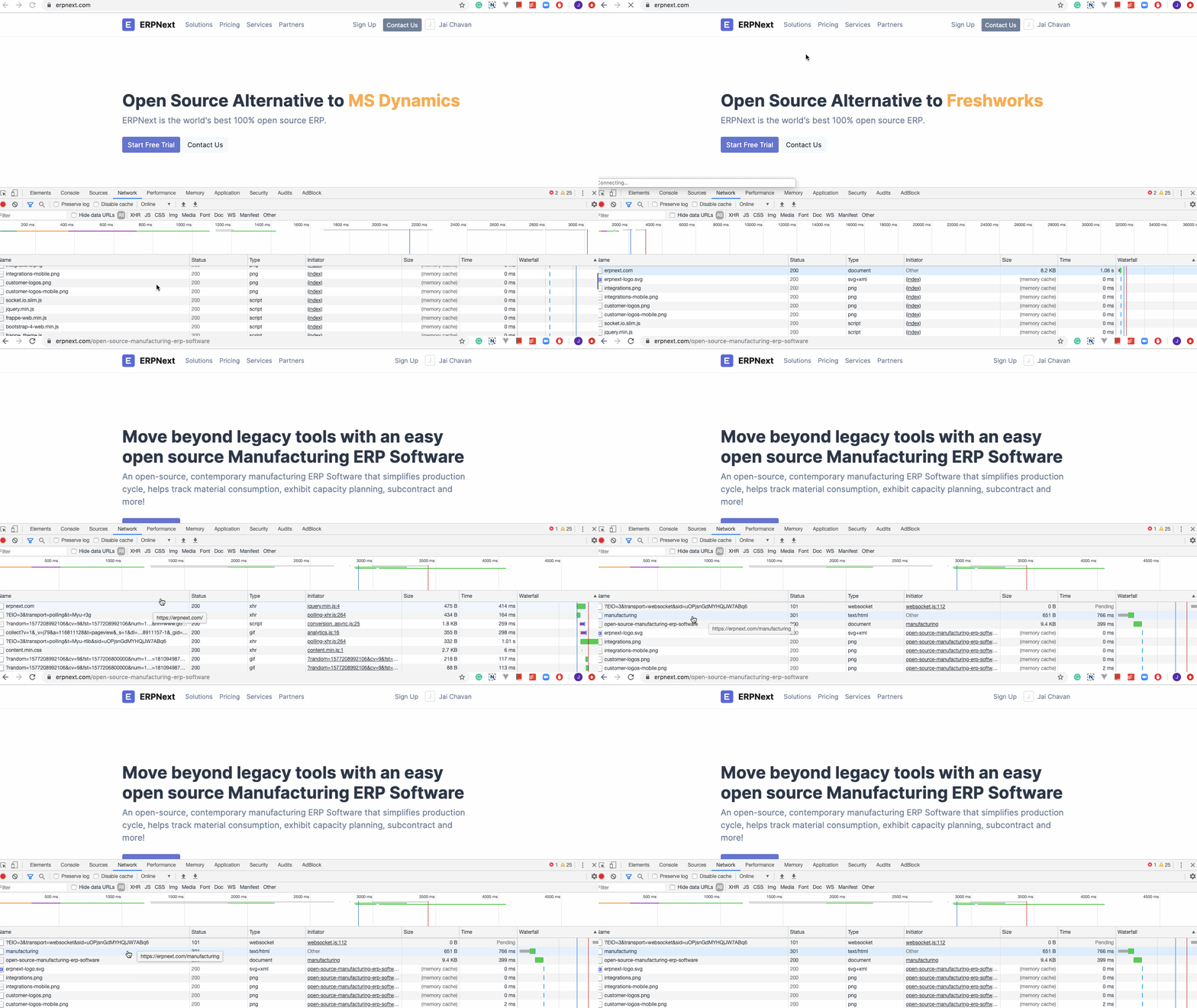
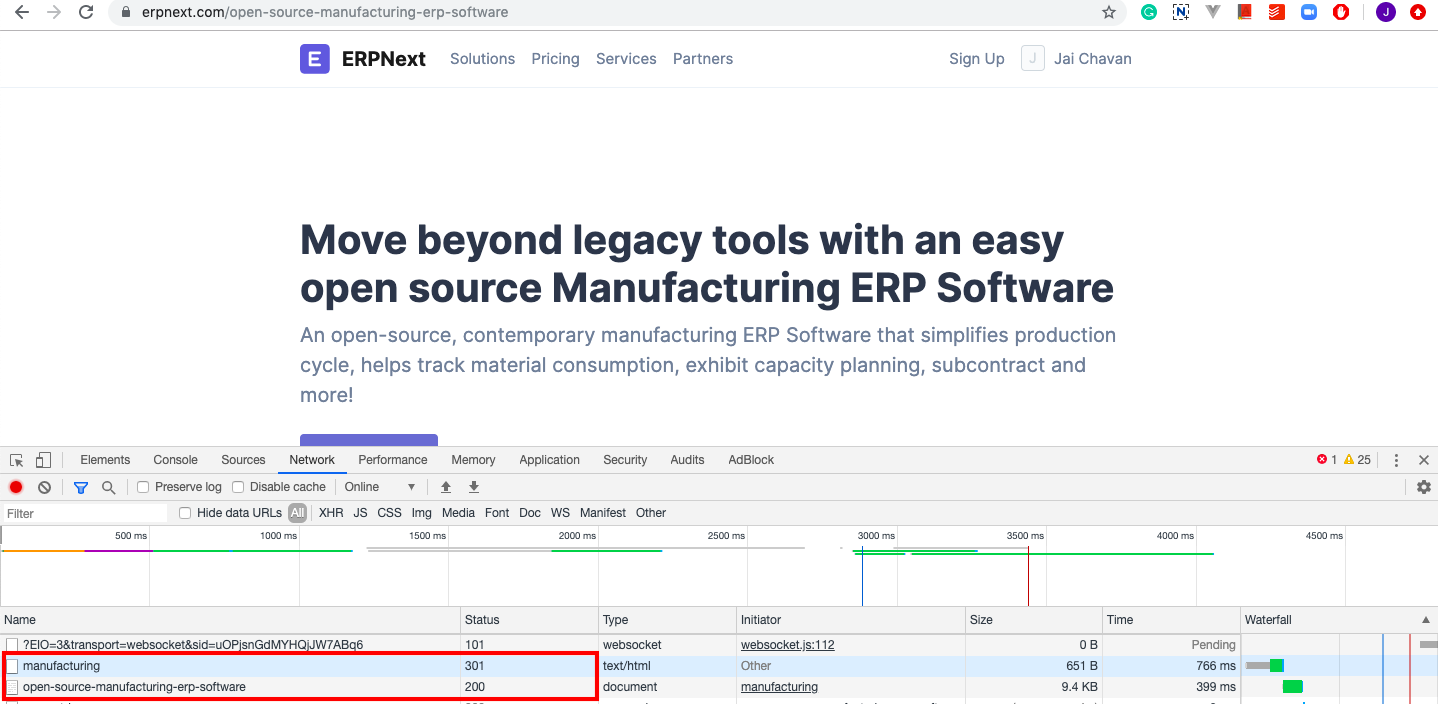
 Watch the Redirect in action:
Last updated 3 weeks agoWas this helpful?
Submit
Thanks!