User GuideManualEnglish DocumentationSetup
Remove Link at the Bottom of the Print Page
Question:
How to remove the Mjara ERP link at the bottom of the page while printing it?

Solution:
To remove the url at the bottom of the print page, following the below steps:
- Click on the Print button.
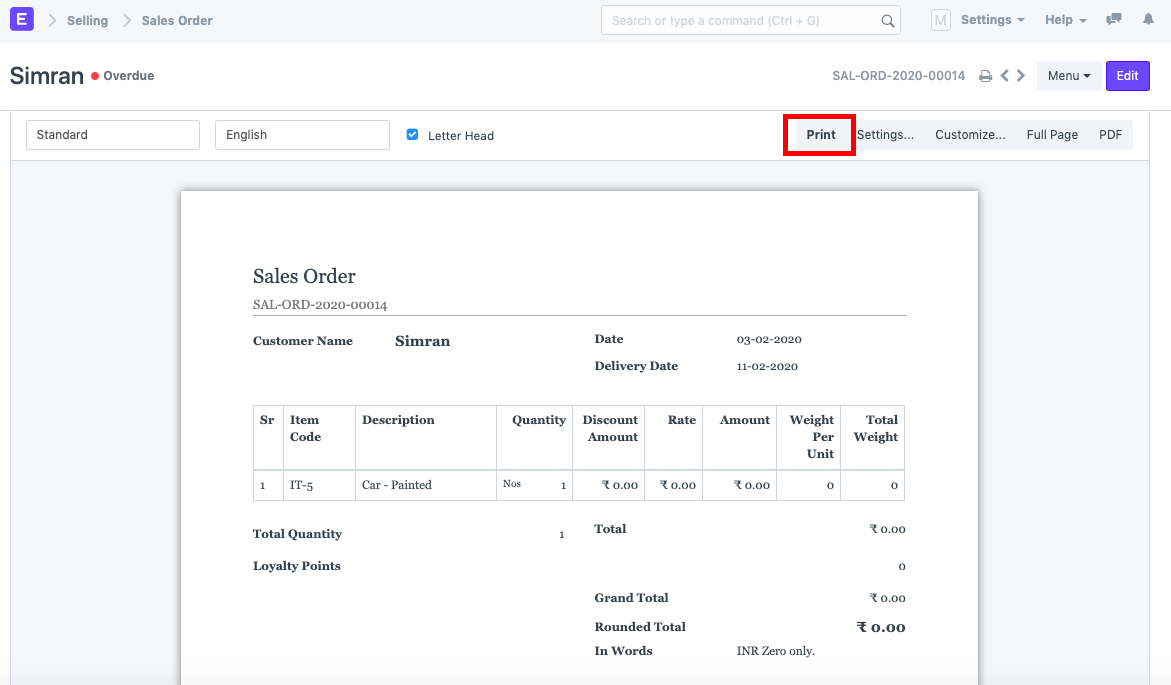
- Click on "More Settings"

- Uncheck the "Headers and Footers" checkbox.

- Click on Save. Last updated 3 weeks agoWas this helpful?
Submit
Thanks!